
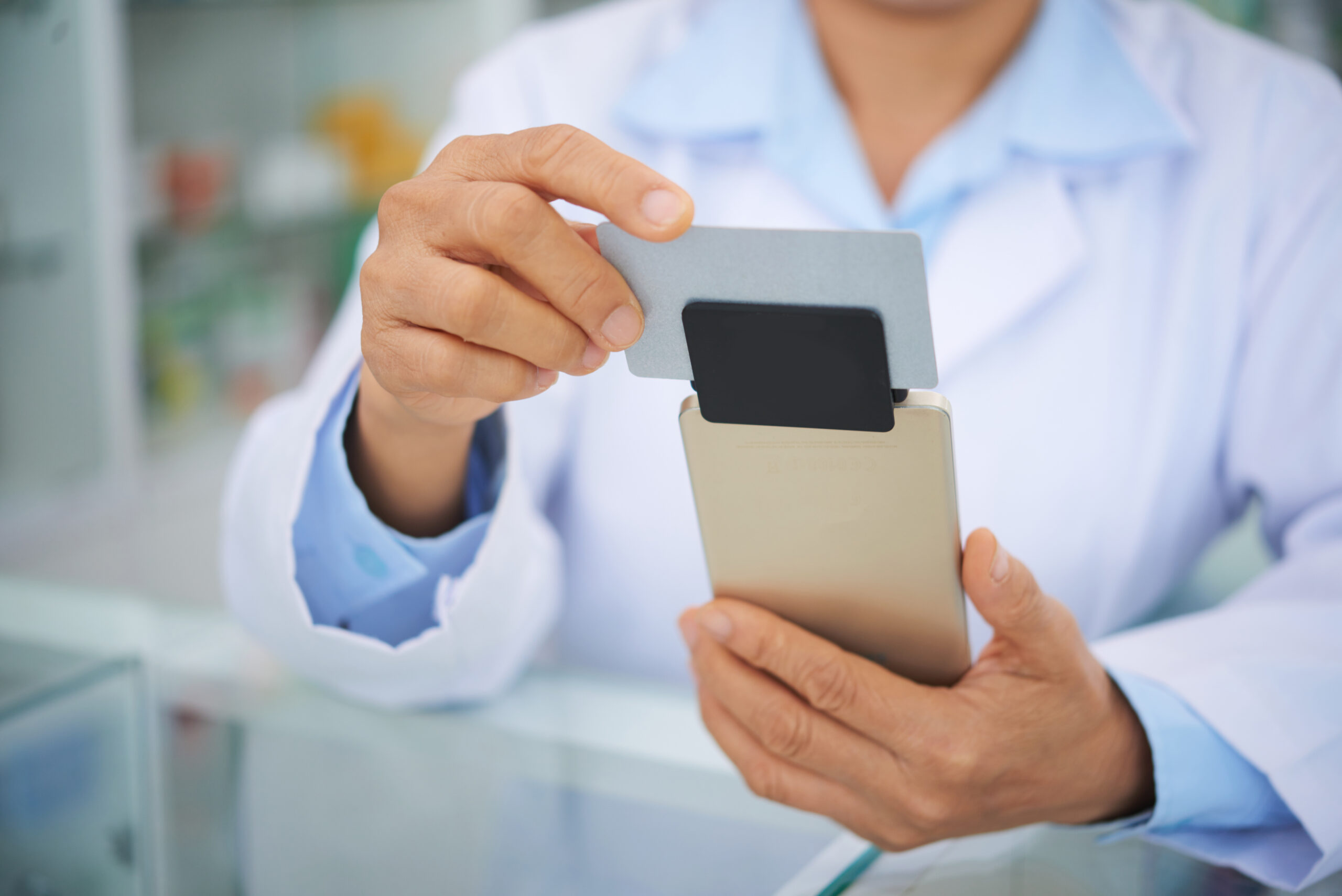
Accept payments anywhere, anytime
Take your business on the go with mobile card readers that make accepting payments simple, fast, and secure.
From setup to sale in seconds
Many businesses need to accept payments on the go. By pairing a mobile reader with your Apple or Android smart device, you instantly create a powerful mobile point-of-sale solution.
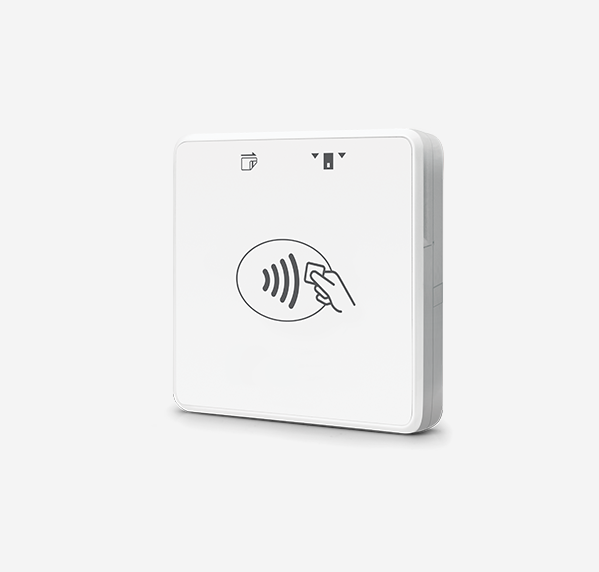
1. Connect
By Bluetooth or with the cord.
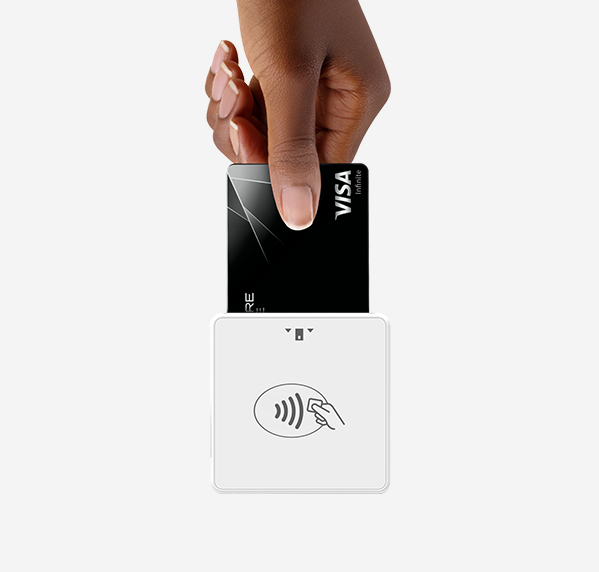
2. Insert or tap
Allow customers to pay by card or Apple and Samsung Pay.
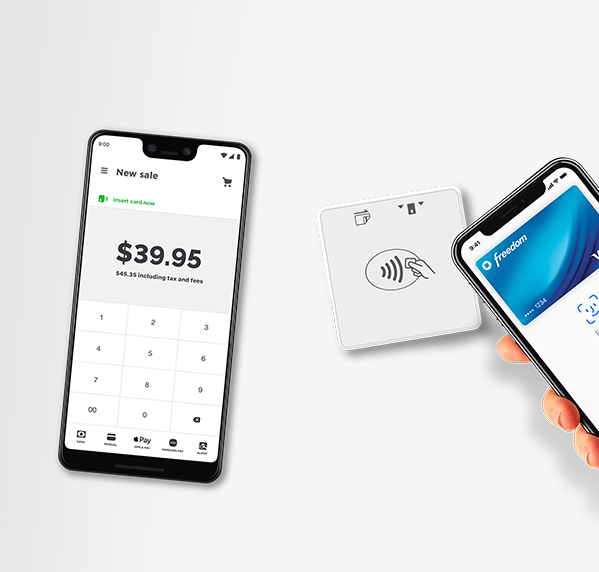
3. Collect
Your app will let you know that the payment was successful!
Mobile readers are designed for small businesses that serve customers everywhere
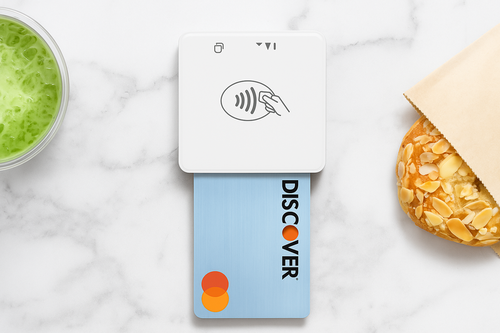
Portable and lightweight
Slip it in your pocket, clip it to your device, or toss it in your bag—mobile readers are designed to go wherever your business takes you. No bulky registers, no heavy equipment—just a sleek reader that moves as fast as you do.
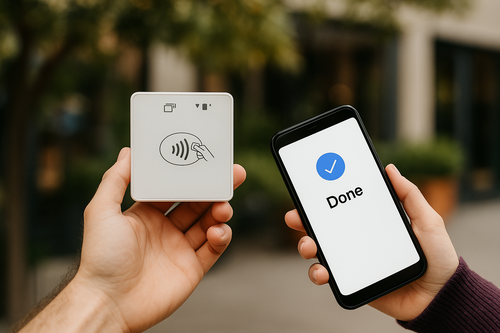
Long battery life
Stay powered through the busiest days. With all-day battery life, you can process sales at long events, outdoor markets, or back-to-back appointments without interruptions. Some models even support quick charging, so you’re never out of service for long.
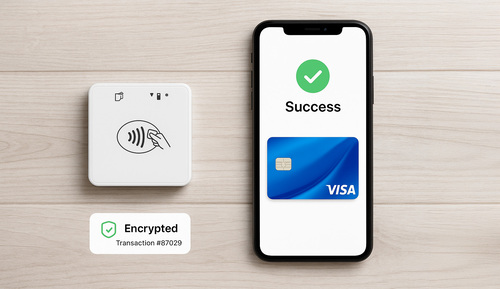
Secure transactions
Every payment is fully encrypted and PCI-compliant, protecting both your business and your customers. Whether a customer taps, swipes, or inserts their card, your mobile reader ensures sensitive data stays secure at every step.
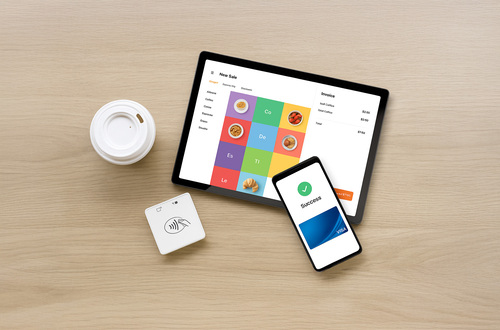
Multiple device compatibility
Whether your team uses iOS, Android, or tablets, mobile readers connect seamlessly via Bluetooth or cord. That means less hassle and more flexibility—use the devices you already trust to run your business.
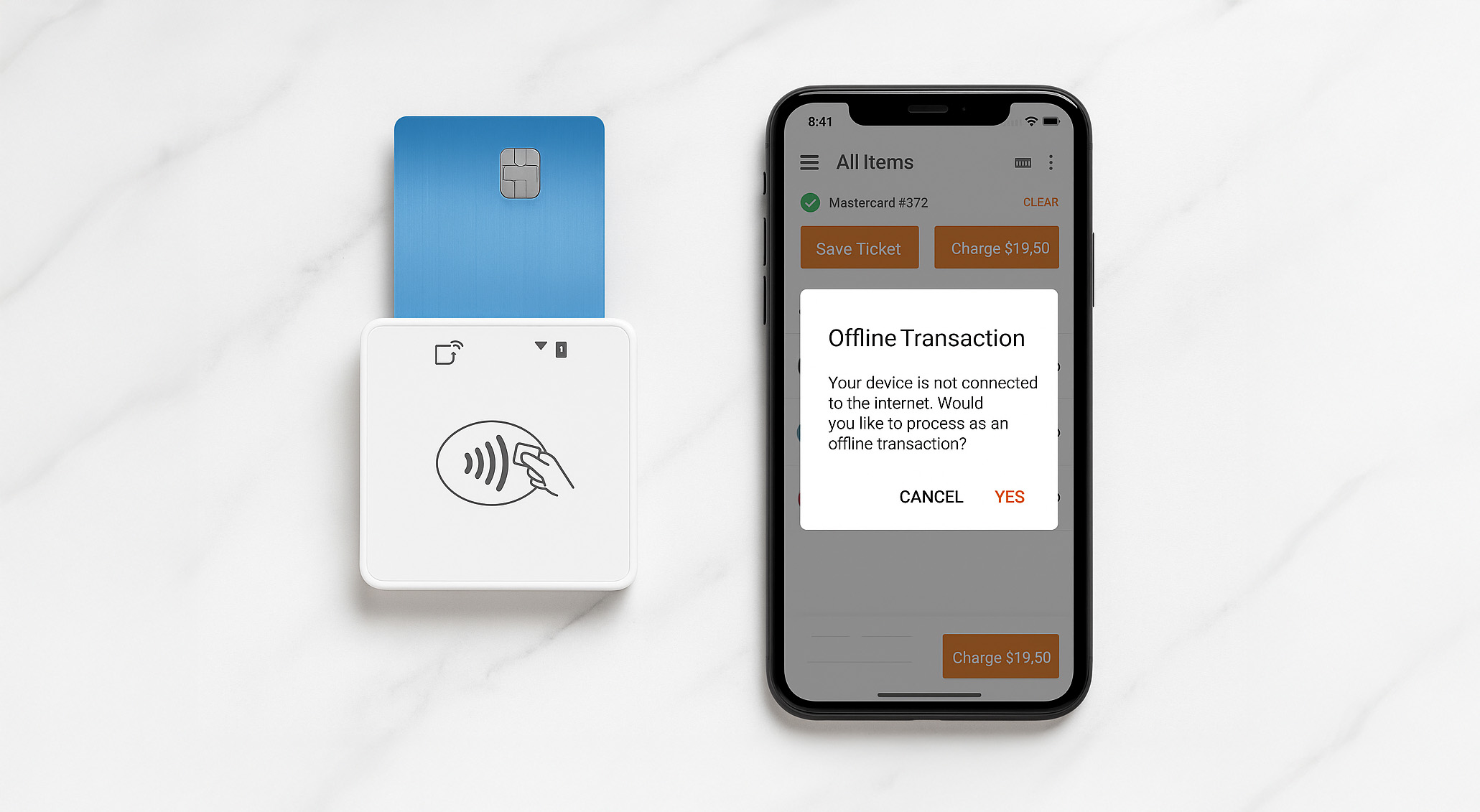
Offline payments
No Wi-Fi? No problem. Mobile readers can still accept payments in offline mode, storing transactions safely until you’re reconnected. That way, you never lose a sale—even if your connection drops in the middle of a busy shift.
Mobile payments made simple (and fast)
Setting up to take payments on the move is easier than you think. All you need are a few simple tools:

Mobile reader
A compact card reader that connects by cord or Bluetooth

Smart device
Use your iPhone, iPad, or Android as your point-of-sale hub

Payment app
A secure app that lets you process payments and track sales
Prefer not to use a mobile reader?
No problem—your iPhone can do it all. With Tap to Pay on iPhone, your phone becomes a complete point-of-sale device.
- Accept contactless payments directly on your iPhone
- No extra hardware needed—just your phone and the payments app
- Customers can tap with a card, Apple Pay, or digital wallet
- Fast, secure, and PCI-compliant

Pay for what you need and never what you don’t
POS hardware rentals can be expensive. That’s why our Payment Experts help you save on both POS software and equipment.
In most cases, our Payment Experts make sure your payment processor provides hardware free of charge, so you only pay for what your business actually needs.
Plus, with our Rate Sekurity Guarantee®, you can be confident you’re always getting the best possible deal—no surprises, no hidden costs.

Backed by a network of trusted POS partners
We help business owners bridge the gap between your POS provider and payment processor. We partner with the best-in-class vendors so you get more of what you need, and none of what you don’t.















FAQs
What are mobile readers?
A mobile reader is a small device that connects to your smartphone or tablet, allowing you to accept card payments anywhere. It supports chip, swipe, and tap payments, and works seamlessly with your POS or payment app.
What are the benefits of using a mobile reader?
Mobile readers give you the freedom to take payments wherever your customers are—whether that’s at a pop-up shop, food truck, trade show, or in the field.
Mobile readers give businesses flexibility and convenience:
- Accept payments anywhere (markets, events, deliveries, pop-ups)
- Faster checkouts with tap and mobile wallet options
- Inventory integration through your POS system
- Security with PCI-compliant, encrypted transactions
Do I need Wi-Fi or data to use a mobile reader?
No. Mobile readers can process payments without a Wi-Fi or data connection. Transactions are queued and securely processed once you’re back online.
How do I accept payments with my phone?
You can turn your smartphone into a mobile point-of-sale by using a mobile reader or enabling the Tap to Pay on iPhone feature on your payment app.
1. Using a mobile reader:
- Connect the reader to your phone via cord or Bluetooth.
- Accept payments from customers by swipe, chip, or tap.
- Send receipts digitally and track your sales automatically through the app.
2. Using Tap to Pay on iPhone (no mobile reader required):
- Open your payment app on your iPhone.
- Enable the Tap to Pay on iPhone feature.
- Customers can pay with a contactless card, Apple Pay, or other digital wallets.
- Transactions are secure, fast, and processed directly through your phone.
With either option, your phone becomes a fully functional point-of-sale device, letting you take payments anywhere—without the need for a traditional register.
How does Sekure ensure small businesses get the best deal on POS equipment?
Sekure is not a payment processor—we partner with multiple top providers across every industry. This allows us to find the best fit for your small business rather than pushing a single solution.
In most cases, we’re able to negotiate free equipment for our merchants.
- When you consult with our Payment Experts, we guide you through choosing the right hardware and software for your business.
- After setup, we stay by your side, providing ongoing support and follow-ups to ensure everything continues running smoothly.
- With our Rate Sekurity Guarantee®, our experts make sure you’re always getting the best deal on processing while being fully equipped with the right POS system for your business.
Sekure’s approach ensures small businesses save money, get the right technology, and have expert guidance every step of the way.

It's easy
Talk to us now


We can answer all your questions and find a custom solution that fits you perfectly.
The Sekure Merchant's guide
Not ready to talk?
Download our guide to find what you really need and stop paying for what you don‘t. Compare options for:
- POS
- Handheld terminal
- Tablet
- eCommerce
- Virtual terminal
- And more!